How to Add an AI Chatbot to Your Business Website and Connect It to Your CRM
Most business websites lose visitors in silence. Someone arrives with a question, cannot find the answer quickly, and leaves without ever getting in touch. An AI chatbot changes that. It answers questions in seconds, collects contact details, qualifies enquiries and, when it is connected properly, passes everything straight into your CRM so your sales team can follow up with full context.
But adding a chatbot is not as simple as pasting a widget into your footer. A chatbot that is poorly planned frustrates visitors, gives wrong answers and creates data that goes nowhere. This guide explains how to add an AI chatbot to your business website step by step, and how to connect it to your CRM so it produces real leads rather than just conversations. It is written by the team at Inteligente Solutions, who design and build custom software, websites and integrations for startups, SMEs and enterprises.
Why Businesses Are Adding AI Chatbots to Their Websites in 2026?
Visitor expectations have changed. People are used to getting instant answers from apps and assistants, and they expect the same from business websites. A contact form that promises a reply within two working days feels slow by comparison.
An AI chatbot for your website helps in several practical ways:
- It responds at any hour, so enquiries that arrive in the evening or at weekends are not left waiting.
- It handles repetitive questions about pricing, opening hours, services and delivery, freeing your team for more valuable work.
- It captures leads from visitors who would never fill in a long form.
- It guides visitors to the right page, product or service.
- It gives you a record of what customers actually ask, which is valuable market research.
The key point is that the benefit comes from what happens after the conversation. A chatbot that answers questions but never records who asked them is a missed opportunity. That is why connecting it to your CRM matters as much as the chatbot itself.
What an AI Chatbot Can and Cannot Do for Your Business
Before you start, it helps to be realistic. Modern AI chatbots, often called conversational AI, understand natural language rather than relying on rigid menus. They can read a question phrased in many different ways, draw on your business information to answer it and carry a conversation across several messages.
What they do well:
- Answer frequently asked questions using your own content.
- Ask qualifying questions, such as budget, timeline or service needed.
- Book appointments or calls where a calendar is connected.
- Collect names, emails and phone numbers.
- Route complex enquiries to the right person.
What they should not do alone:
- Handle sensitive complaints or emotional situations.
- Make binding promises on price, contracts or legal matters.
- Give advice in regulated areas without human oversight.
- Answer questions they have no reliable information about.
A good chatbot knows its limits and hands over to a person gracefully. Planning that boundary is part of building one properly. For a wider look at how AI is changing the software businesses use, read our guide on how AI is changing business software and what SMEs should know.
Step 1: Define the Job Your Chatbot Must Do
The most common reason chatbot projects fail is a vague goal. "We want a chatbot" is not a goal. Start by deciding which single job matters most, then build around it.
Common goals include:
- Generating and qualifying sales leads.
- Answering customer support questions.
- Booking appointments, consultations or demos.
- Guiding visitors through a product or service range.
- Recruiting, for example answering candidate questions.
Choose one primary goal and one or two secondary ones. Then decide how you will measure success. Useful measures include the number of leads captured, the percentage of questions answered without human help, the number of booked calls and the average time to first response.
At Inteligente Solutions we begin every project by asking what success looks like for the business. That discovery step shapes the design, the integrations and the budget, and it prevents the expensive mistake of building something nobody uses.
Step 2: Choose the Right Chatbot Approach
There are three main routes, and the right one depends on your goals, budget and how unique your processes are.
Ready-made chatbot platforms. These are quick to set up and affordable. You paste a snippet of code on your site, upload some content and configure basic rules. They suit small businesses with simple needs, but customisation is limited, monthly fees add up and you depend on the vendor's integrations.
AI chatbot built into your CRM or helpdesk. Many CRM systems now include chat features. This makes the CRM connection simple, but you are limited to that system's design and capabilities.
Custom-built AI chatbot. A custom solution is designed around your processes, data and brand. It can connect to any CRM, database, booking system or internal tool, and you own it. It costs more upfront but often works out cheaper and more flexible for businesses with specific requirements or several systems to connect.
If your chatbot needs to read from and write to your own software, such as a bespoke CRM, an ERP or a customer portal, a custom approach is usually the better choice. Our custom software development team builds chatbots and integrations that fit around how your business already works, rather than forcing you to change.
Step 3: Prepare Your Knowledge Base
An AI chatbot is only as good as the information behind it. If your content is outdated, contradictory or incomplete, the chatbot will repeat those problems with great confidence.
Gather and clean up the material it will draw on:
- Service and product descriptions.
- Pricing guidance, or a clear rule for how pricing questions are handled.
- Delivery, returns and warranty policies.
- Frequently asked questions from your inbox, phone calls and reviews.
- Opening hours, locations and contact details.
- Case studies and examples of past work.
Write in plain, direct language, and remove anything that is no longer true. Decide in advance what the chatbot should say when it does not know the answer. A response such as "I am not sure about that, but I can ask a member of the team to follow up" is far better than a guess.
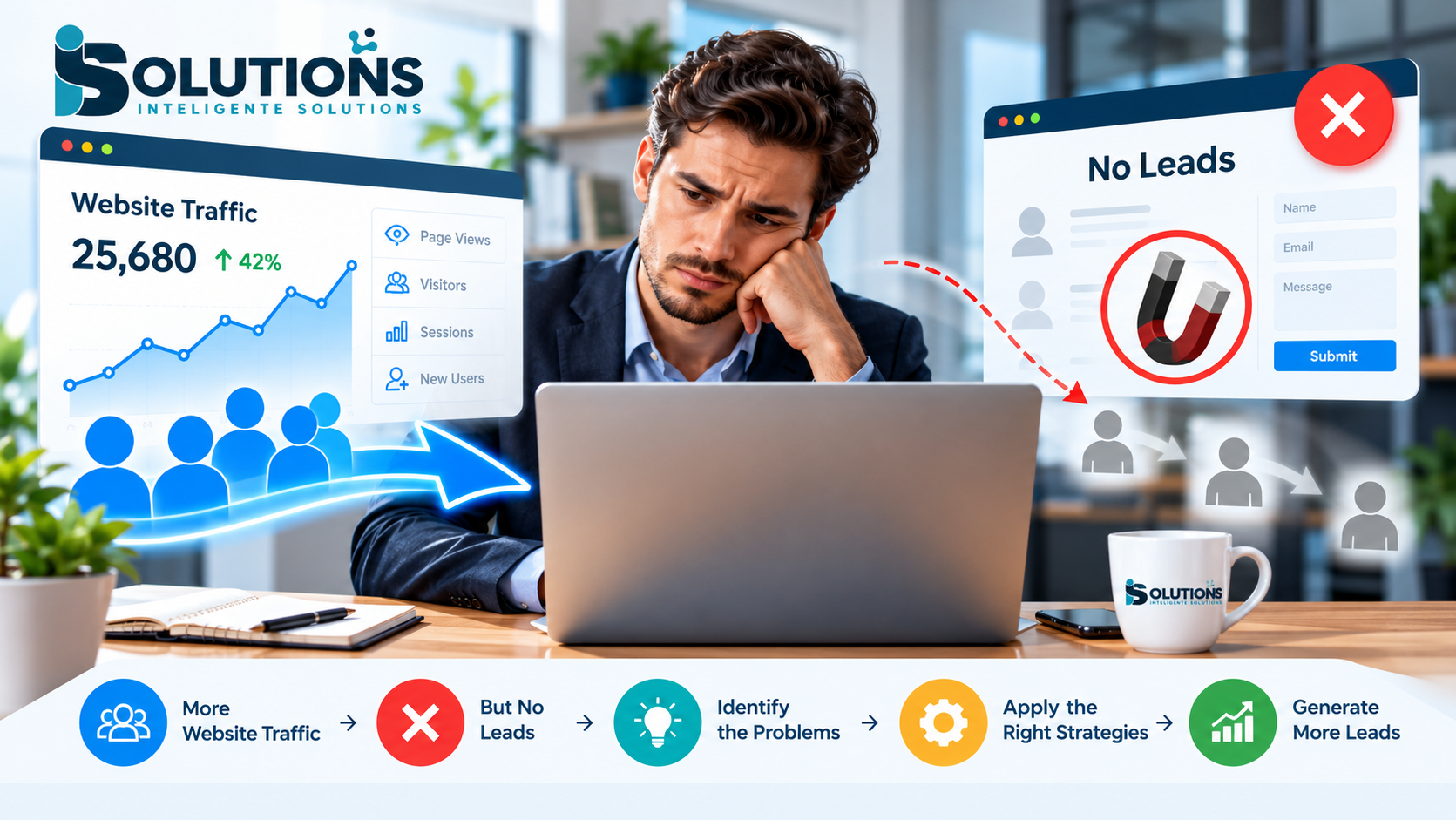
Your website content also matters. A chatbot cannot fix a confusing site, and strong content helps both visitors and search engines. If you are not sure your site is working hard enough, see our article on why business websites get traffic but no leads.
Step 4: Design the Conversation and the Human Handover
A chatbot needs a personality and a plan. Decide how it should sound. A law firm and a skate shop should not greet visitors in the same way. Keep the tone consistent with your brand, and be honest that visitors are speaking to an automated assistant.
Map out the main conversation paths, for example:
- A visitor asks about pricing, and the chatbot explains the options and offers a quote request.
- A visitor wants support, and the chatbot checks the issue and either answers it or creates a ticket.
- A visitor is ready to buy, and the chatbot books a call or passes the lead to sales.
The handover to a person is the most important design decision. Define clearly when the chatbot should step aside: when the visitor asks for a person, when the question is sensitive, when the chatbot is unsure, or when a high-value lead appears. Make sure the person who takes over can see the full conversation, so the customer does not have to repeat themselves.
Good design also covers the visual side, such as where the chat window sits, how it opens and how it looks on mobile. Our UI/UX design services help make sure the experience feels natural and does not get in the way of the page.
Step 5: Add the Chatbot to Your Website
Once the design is ready, the technical installation depends on your platform.
On a ready-made platform, you usually copy a short script into your site's header or footer, or install a plugin if you use WordPress or Shopify. This takes minutes, though configuration takes longer.
On a custom build, the chatbot is developed as part of your site or as a separate service that communicates with it. Developers typically use modern web technologies and secure APIs so the chat window loads quickly and works across devices. Our teams build with frameworks such as React and Node.js, and you can see more on our React and Node.js website development page.
Whichever route you take, check these points:
- The chat window loads without slowing down your pages.
- It works properly on phones and tablets.
- It does not cover important buttons, cookie notices or forms.
- It is accessible, including keyboard navigation and readable text.
- It appears on the right pages. A pricing page and a contact page usually benefit most.
If you need a new or improved site to support the chatbot, our business website development service builds fast, responsive sites designed to generate leads.
Step 6: Connect Your AI Chatbot to Your CRM
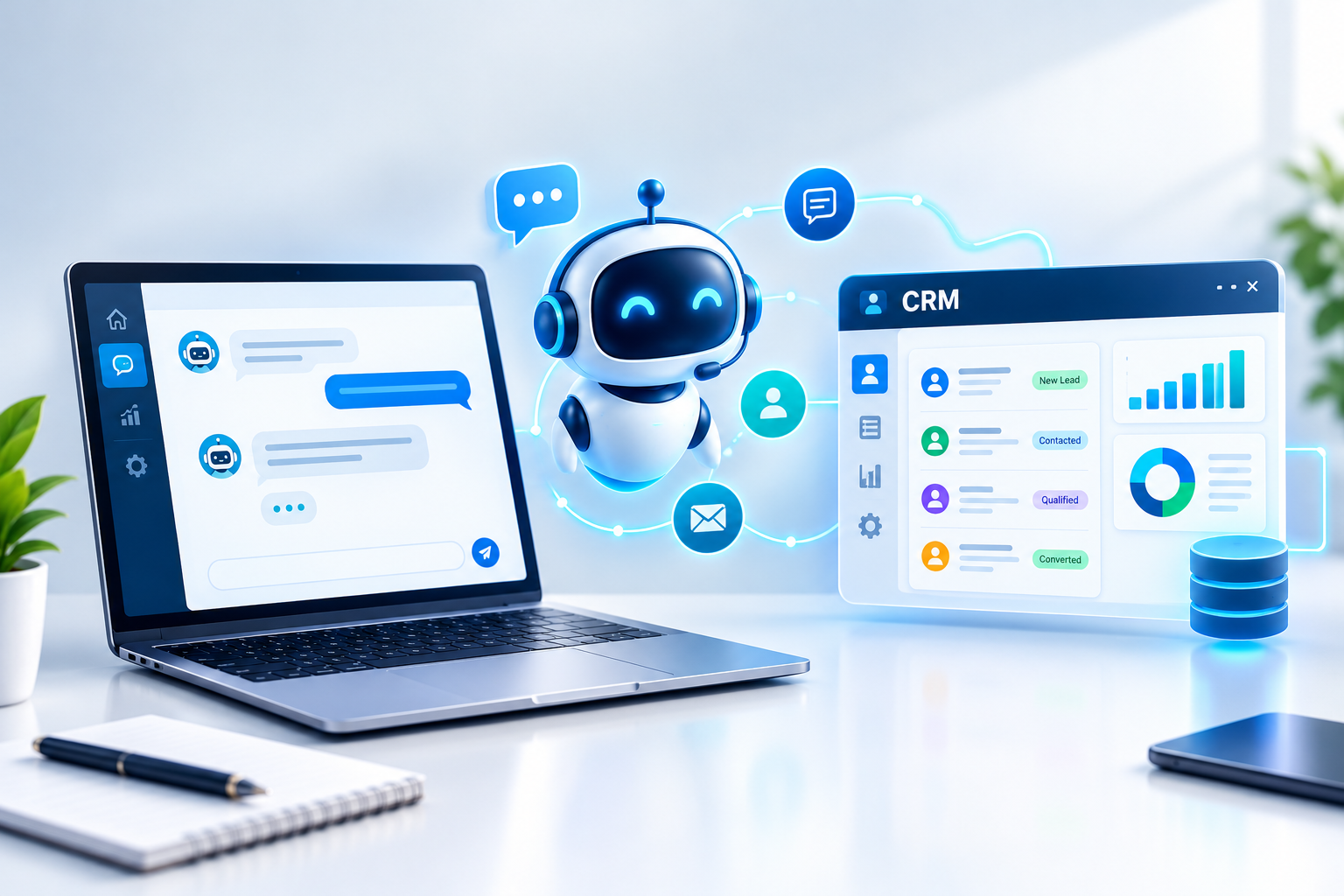
This step turns a chatbot from a novelty into a lead generation tool. When the chatbot is connected to your CRM, every useful conversation becomes a record your team can act on.
Here is what a good connection does:
- Creates or updates contacts. When a visitor shares their name, email or phone number, the chatbot checks whether they already exist in your CRM. If so, it updates the record. If not, it creates a new one.
- Saves the conversation. The full transcript, or a clear summary, is attached to the contact so your team sees what was discussed.
- Captures qualifying details. Answers such as budget, service needed, company size and timeline are stored in dedicated CRM fields rather than lost in text.
- Scores and routes leads. High-intent leads can be assigned instantly to the right salesperson or flagged for immediate follow-up.
- Triggers actions. A new lead can start an automated email, create a task, book a call or notify your team in real time.
- Tracks the source. The CRM records that the lead came from the website chatbot, helping you measure return on investment.
Technically, this is usually done through an API, which is a secure way for two systems to exchange information, or through webhooks that send data the moment something happens. Popular CRM systems offer these connections, and a custom CRM can be built with them from the start.
Before you build, plan your data carefully. Decide which fields the chatbot should fill, how duplicates will be handled, who owns each new lead and what happens if the CRM is temporarily unavailable. A simple field mapping document saves a great deal of trouble later.
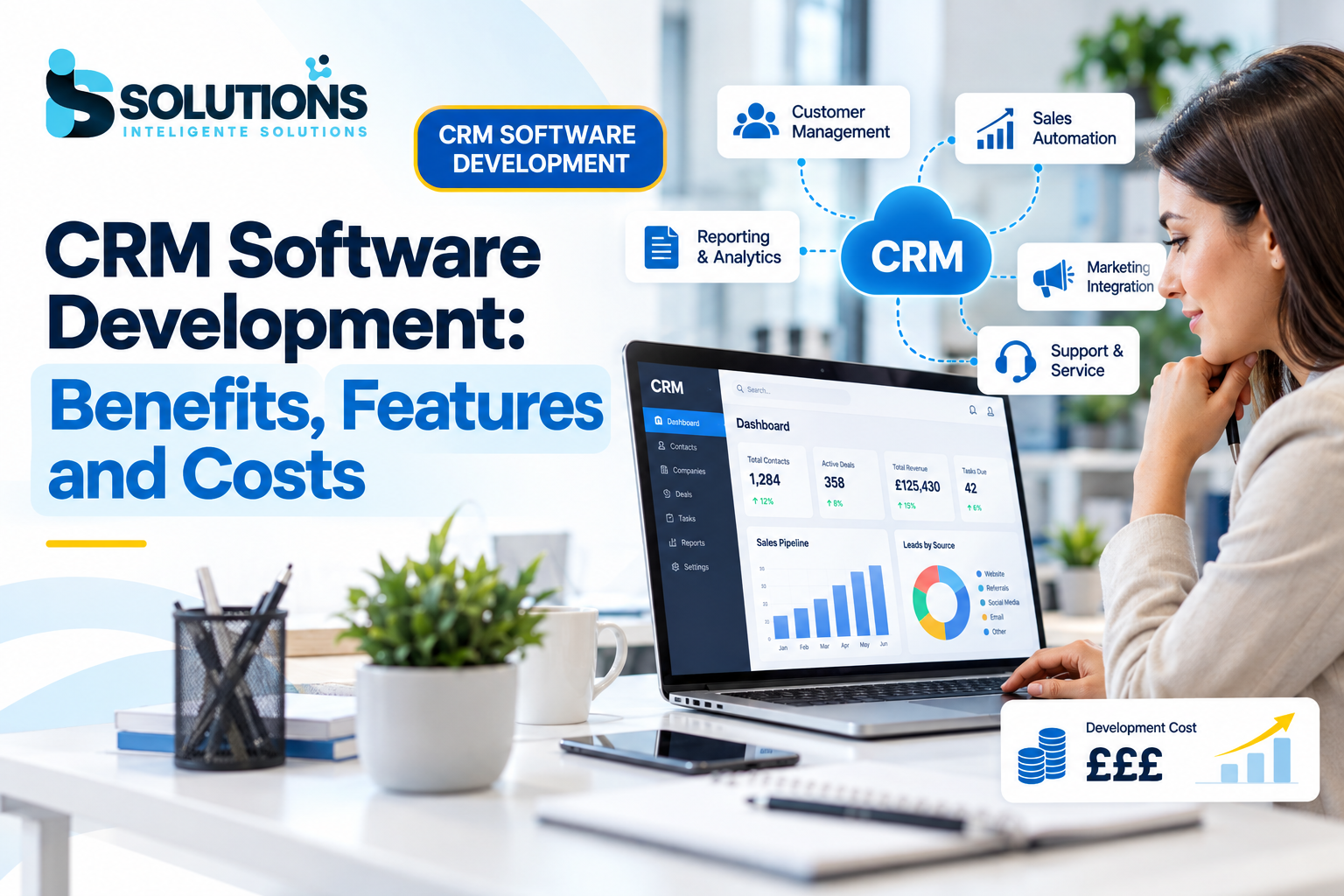
If you do not yet have a CRM that fits your sales process, or your current one cannot accept data from a chatbot, building a tailored system may be the better investment. Our CRM software development service creates custom CRMs with visual pipelines, automation and reporting, and our complete guide to CRM software development explains features, costs and implementation in detail.
Step 7: Test, Launch and Keep Improving
Never launch a chatbot without testing it thoroughly. Ask colleagues and a few trusted customers to try it, and ask them to try to break it.
Test for:
- Accuracy of answers across different phrasings of the same question.
- Behaviour when asked something outside its knowledge.
- Correct creation of contacts and notes in your CRM.
- Smooth handover to a human, including notifications.
- Performance on slow connections and older devices.
Launch quietly first. Place the chatbot on one or two pages, watch real conversations and fix problems before rolling it out across the site.
After launch, review the conversations regularly. Look for questions the chatbot struggled with, gaps in your content and moments where visitors gave up. Update the knowledge base, refine the conversation flows and adjust the handover rules. The best chatbots improve month by month, much like a new team member who learns on the job.
Ongoing technical care matters too. Updates, security checks and monitoring keep the chatbot and its integrations working reliably, and our website maintenance and support service covers exactly that.
Privacy, Security and UK GDPR
A chatbot collects personal data, so it must be built with privacy in mind. For UK businesses, this means following UK GDPR and the Data Protection Act.
Keep these principles in view:
- Be transparent. Tell visitors they are talking to an AI and explain briefly how their data will be used, with a link to your privacy policy.
- Collect only what you need. Do not ask for sensitive information unless it is essential.
- Get consent where required. If you use chat data for marketing, make sure you have a lawful basis and offer a clear way to opt out.
- Secure the data. Use encrypted connections, restrict access to conversation records and choose reliable hosting.
- Set retention rules. Decide how long transcripts are kept and delete them when they are no longer needed.
- Check third-party tools. If you use an external AI provider, understand where data is processed and stored, and review the supplier's terms.
If your business handles particularly sensitive information, for example in healthcare or finance, take extra care and seek specialist advice on compliance.
Common Mistakes to Avoid When Adding an AI Chatbot
Many chatbot projects disappoint for the same reasons. Avoid these:
- Launching without a clear goal. If you cannot say what the chatbot is for, you cannot measure whether it works.
- Using poor or outdated content. The chatbot will repeat your mistakes at speed.
- Hiding the human option. Visitors become frustrated when they cannot reach a person.
- Skipping the CRM connection. Leads trapped in a chat tool are easily forgotten.
- Over-promising. A chatbot that claims to do everything usually does nothing well.
- Ignoring mobile. Most visitors arrive on phones, so test there first.
- Setting it and forgetting it. Without review and updates, quality slips over time.
A careful, staged approach avoids most of these problems and gives you a chatbot your customers actually enjoy using.
How Inteligente Solutions Can Build and Connect Your AI Chatbot
At Inteligente Solutions we design, build and support custom software, websites, mobile apps and digital marketing for businesses across the UK and beyond. Our process follows clear stages: discovery, planning, UI/UX design, development, testing, and launch with ongoing support.
For an AI chatbot project, that means we:
- Work with you to define the chatbot's goals and success measures.
- Review your website, content and existing systems.
- Design conversation flows and the human handover.
- Build or configure the chatbot and integrate it securely with your CRM, booking tools and other software.
- Test thoroughly before launch and support you afterwards.
Because we also build websites, CRM systems and business software, we can handle the whole picture rather than leaving you to coordinate several suppliers. If you want extra development capacity, you can also hire a developer to work alongside your team.
Once your chatbot is generating enquiries, our SEO services and email marketing automation can help you attract more visitors and nurture the leads it captures.
Final Thoughts
Adding an AI chatbot to your website is one of the most practical ways to respond faster, capture more leads and understand what your customers want. But success depends on planning: a clear goal, a clean knowledge base, a thoughtful human handover and, above all, a proper connection to your CRM.
Start small, test carefully, protect your customers' data and keep improving. Done well, a chatbot becomes a reliable member of your team that works every hour of the day.
Ready to add an AI chatbot to your website and connect it to your CRM? Contact Inteligente Solutions to discuss your project and get a tailored quote.