
How to Build a Web App: Steps, Technologies and Costs
Every growing business eventually hits the limits of off-the-shelf software and basic websites. Customers want a portal where they can log in and track orders. Teams want one system instead of five spreadsheets. Founders want a product that people can use from any browser without installing anything. The answer to all of these needs is a web app.
But knowing you need a web app and knowing how to build one are very different things. Which steps come first? Which technologies make sense? How much will it cost, and how long will it take? This guide answers those questions in plain English, drawing on the way the team at Inteligente Solutions plans and delivers custom software development and custom website development projects for startups, SMEs and enterprises.
Whether you are a founder with an idea or a manager replacing a clunky internal system, you will leave with a clear picture of the process, the choices and the budget. If you would rather talk it through with a specialist at Inteligente Solutions, you can contact our team at any point.
What Is a Web App?
A web app is software that runs in a web browser. You open it by visiting an address, log in if needed and use it like any other application, with no download or installation. Online banking, project management tools, booking systems, learning platforms and customer portals are all web apps.
The key difference from a traditional website is interactivity. A website mostly presents information, such as a company's services and contact details. A web app lets users do things: create accounts, enter data, make payments, upload files, run reports and see results that are specific to them. Most of the products we build at Inteligente Solutions fall into this second category.
Behind that experience sit three main layers. The front end is what users see and click. The back end is the server logic that processes requests and applies business rules. The database stores information securely. A good web app connects all three smoothly.
Web App vs Website vs Mobile App: How Inteligente Solutions Explains the Difference
These three terms are often mixed up, so it helps to separate them.
- A website is mainly informational and content-led. Visitors read, browse and enquire.
- A web app is interactive and task-led. Users log in and perform actions, and the system responds with personalised results.
- A mobile app is installed on a phone or tablet from an app store and can use device features such as the camera, notifications and offline storage.
Many businesses start with a web app because it works on every device through the browser, is cheaper to launch than separate iOS and Android apps and can be updated instantly for everyone. If you later need a store-listed app, our mobile app development services and Flutter app development can build on the same back end, so the work Inteligente Solutions does on your web app carries forward.
Types of Web Apps Inteligente Solutions Builds for Businesses
The label covers a wide range of products. Common examples include:
- Customer portals where clients view orders, invoices and documents
- Internal business tools such as dashboards, approval workflows and reporting systems
- Booking and scheduling platforms, like our booking management system
- Software as a service products that customers subscribe to
- Marketplaces that connect buyers and sellers
- Learning platforms, such as a learning management system
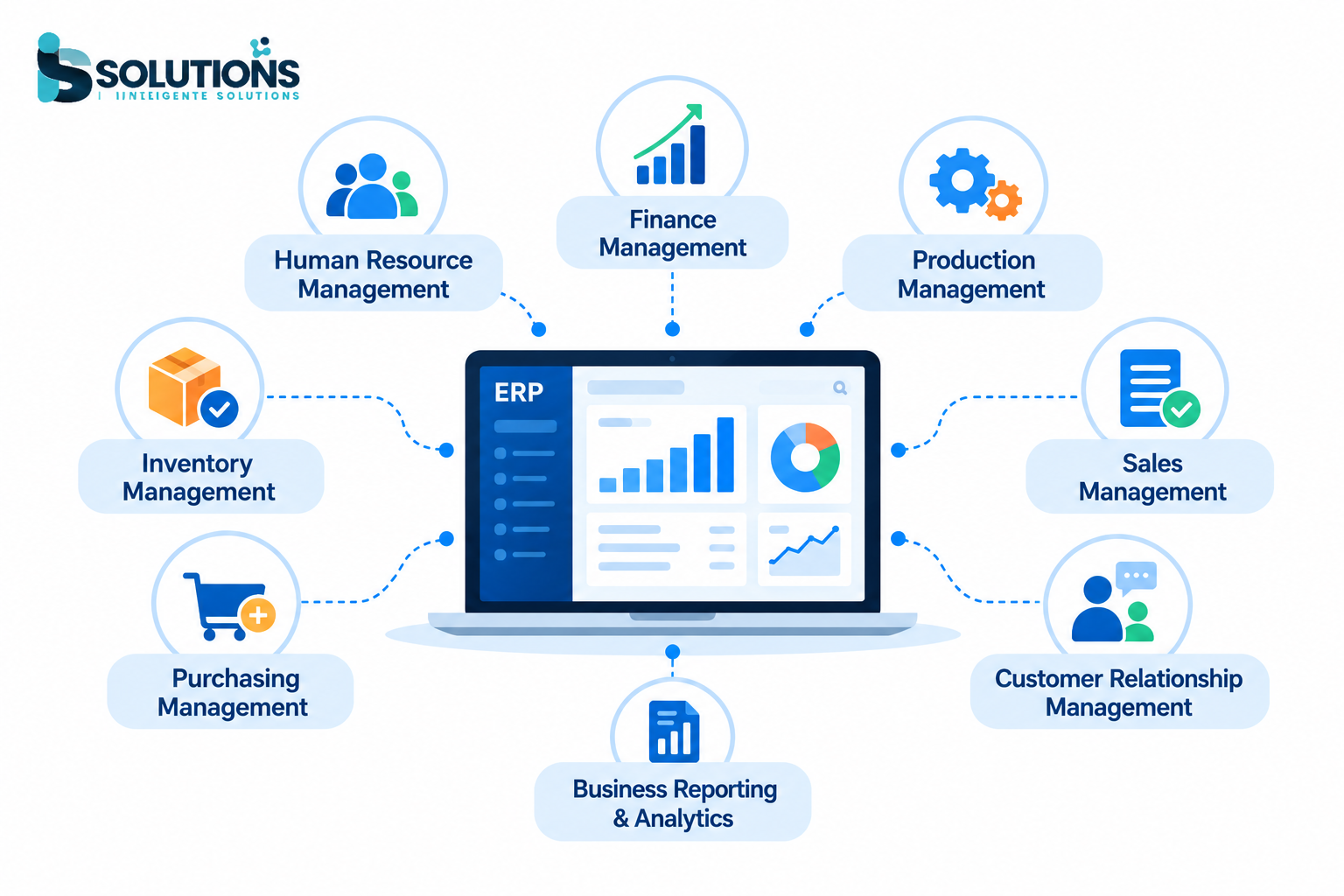
- Business systems, such as a CRM or ERP platform
The type you choose affects the features, the technology and the budget, so be clear about it from the start. At Inteligente Solutions, this is the first conversation we have with every client.
How to Build a Web App: The Inteligente Solutions 8-Step Process
Every successful web app follows a similar path, and we follow it on every project at Inteligente Solutions. Skipping steps is the most common reason projects overrun their budgets.
Step 1: Discovery With Inteligente Solutions to Define the Problem and the Users
Start with the problem, not the technology. Who will use the app, what are they struggling with today and what would success look like? Write down the main user types, such as customers, staff and administrators, and the key tasks each one needs to complete. A web app that solves one problem well beats one that attempts ten tasks badly. This is exactly what we work through with clients in the discovery stage at Inteligente Solutions.
Step 2: Research and Validate the Idea
Look at what already exists. Study competitors, read reviews and note what users complain about. Speak to potential users and test whether they would genuinely use and pay for your solution. Validation at this stage costs very little compared with discovering a lack of demand after launch.
Step 3: Plan the Features and Scope an MVP With Inteligente Solutions
List every feature you can imagine, then sort them into must-have, nice-to-have and later. Your first release should contain only the must-haves. This is called a minimum viable product, or MVP. It lets you launch faster, learn from real users and avoid spending a large budget on features nobody wants. A clear feature list also leads to accurate cost estimates. Our team at Inteligente Solutions helps clients draw this line so the first release stays focused.
Step 4: Design the User Experience and Interface With Inteligente Solutions UI/UX
Good design makes the difference between an app people enjoy and one they abandon. Designers map user journeys, create wireframes that show the layout of each screen and then build polished visual designs. Test these with real users before development begins, because changing a design is far cheaper than changing finished code. Our UI/UX design services at Inteligente Solutions cover this stage in detail.
Step 5: Choose the Architecture and Technology Stack With Inteligente Solutions
Now you decide how the app will be built. This includes the programming languages, frameworks, database, hosting and any third-party services such as payment or email tools. The right stack depends on your features, your team, your expected number of users and your budget. The next section explains the main options. At Inteligente Solutions, we recommend the stack that fits your goals, not the one we happen to prefer.
Step 6: How Inteligente Solutions Develops the Front End, Back End and Database
Developers build the app in stages, usually in short cycles that produce working features you can review. Front-end developers create the screens and interactions. Back-end developers build the server logic, user accounts, permissions and APIs. Database specialists design how information is stored and protected. Regular demos keep everyone aligned and catch misunderstandings early, which is how our developers at Inteligente Solutions work on every project.
Step 7: Test Thoroughly
Testing should run throughout development, not just at the end. It covers functional testing to check that features work, usability testing with real users, performance testing to see how the app behaves under load and security testing to find weaknesses before attackers do. Devices and browsers also need checking, since users will arrive on many combinations. At Inteligente Solutions, testing runs alongside development rather than waiting until the end.
Step 8: Launch, Monitor and Maintain With Inteligente Solutions Support
Launch is the start of the app's life, not the end. After release, you need monitoring to catch errors, backups to protect data, security updates and a plan for new features based on user feedback. Our website maintenance and support services keep applications secure, fast and up to date, and Inteligente Solutions stays on hand after launch.
Technologies Inteligente Solutions Uses to Build a Web App
There is no single best technology. The right choice depends on what you are building. Here is a simple overview.
LayerCommon optionsBest suited toFront endReact, Angular, Tailwind CSS, HTML, CSS and JavaScriptFast, interactive user interfacesBack endNode.js, Python with Django, Laravel (PHP), ASP.NETBusiness logic, APIs and data processingDatabasePostgreSQL, MySQL, MongoDBStoring and querying application dataHostingCloud platforms and managed serversReliability, scaling and securityIntegrationsPayment gateways, email services, CRMs, ERPsConnecting the app to other tools
A few notes on the main choices:
- React and Node.js is a popular combination for fast, interactive apps built with one language across the whole stack.
- Angular suits large, structured applications with many screens and a big development team.
- Python and Django work well for data-heavy apps, dashboards and platforms that may later include analytics or AI features.
- Laravel and PHP offer a mature, cost-effective choice for business systems, portals and eCommerce.
- ASP.NET and .NET are common in organisations that already use Microsoft technology.
- Tailwind CSS speeds up consistent, responsive styling.
A good agency recommends a stack that fits your goals, rather than the one it happens to prefer. Choose proven technology with a large developer community, because it makes maintenance and hiring easier later. Inteligente Solutions works across all of the technologies above, so our advice is based on what suits your project.
How Much Does It Cost to Build a Web App? An Inteligente Solutions Cost Guide
Cost is usually the first question and the hardest to answer without knowing the project. Prices vary widely by agency, location and scope, so treat these as indicative ranges rather than quotes. For a figure based on your own requirements, Inteligente Solutions can prepare a tailored estimate after a short discovery conversation.
ComplexityTypical examplesIndicative costTypical timelineSimple MVPBasic portal or booking tool with a few core features£10,000 to £30,0002 to 3 monthsMediumMulti-role platform with payments, integrations and dashboards£30,000 to £80,0003 to 6 monthsComplexLarge SaaS, marketplace or enterprise system£80,000 to £200,000 or more6 to 12 months or more
What Drives the Cost
- Number and complexity of features
- Number of user roles and permission levels
- Custom design versus ready-made templates
- Third-party integrations such as payments, CRMs and accounting tools
- Security and compliance requirements, especially with sensitive data
- Scalability, meaning how many users the app must serve
- Team size, location and experience
Costs People Forget
The build is only part of the total. Plan for hosting and infrastructure, domain and security certificates, third-party service fees, ongoing maintenance and support, security updates and future features. As a rough guide, many businesses budget a meaningful percentage of the build cost each year for maintenance and improvements.
For a wider look at how software projects are priced, read our guide to custom software development services: cost, process and benefits.
How Inteligente Solutions Helps You Keep Costs Under Control
- Start with an MVP and add features after real users give feedback
- Reuse proven components instead of building everything from scratch
- Agree a clear scope in writing and manage changes carefully
- Use cross-platform technology rather than building separate versions
- Test early so problems are cheap to fix
- Choose a partner who is transparent about estimates and assumptions
Common Web App Mistakes Inteligente Solutions Helps You Avoid
Most problems come from the same few errors:
- Building too much at once. A bloated first release delays launch and inflates the budget.
- Skipping validation. Assuming people will use the app without asking them is risky.
- Treating design as decoration. Poor usability drives users away, whatever the features.
- Ignoring security. Handling personal or payment data without proper protection creates serious legal and reputational risk.
- Forgetting maintenance. Apps need updates, monitoring and support after launch.
- Choosing on price alone. The cheapest quote often becomes the most expensive project once fixes and rebuilds are counted.
In-House Team, Freelancers or an Agency Like Inteligente Solutions?
You have three main options for building your app.
- An in-house team gives you control and deep product knowledge, but hiring and retaining a full team is expensive and slow.
- Freelancers can be cost-effective for small, well-defined tasks, but coordinating several individuals and relying on one person for critical knowledge carries risk.
- A specialist agency provides a complete team covering design, development, testing and support under one contract, which suits most SMEs and startups.
If you already have a team and simply need extra capacity, you can hire a developer from Inteligente Solutions to work alongside them. If you want to see the quality of finished work, browse our portfolio.
Why Build Your Web App With Inteligente Solutions
Inteligente Solutions designs, builds and supports web, mobile and software products for businesses in the UK and beyond. We follow a clear process of discovery, planning, UI/UX design, development, testing, and launch with ongoing support, so you always know what is happening and what comes next.
Because we also build websites, CRM and ERP systems, mobile apps and integrations, we can deliver the whole picture, from the first prototype to a connected business platform. You can learn more about our team, read how we approach custom software for business automation or see how AI is changing business software if you are planning smarter features. Once your app is live, our SEO services can help people find it.
Build Your Web App With Inteligente Solutions
Building a web app is easier when you break it into clear steps: define the problem, validate demand, scope an MVP, design the experience, choose the right technology, build in stages, test thoroughly and keep improving after launch. Costs depend on scope, so start small, learn from real users and grow with confidence. Inteligente Solutions is ready to guide you through each step.
Ready to turn your idea into a working web app? Contact Inteligente Solutions to discuss your project and get a tailored quote.